The prompts behind
Moodpalette.
The exact prompts I used to build the live Moodpalette palette generator in Lovable — step by step, copy-paste ready. Plus the ChatGPT prompt for the hero illustration.
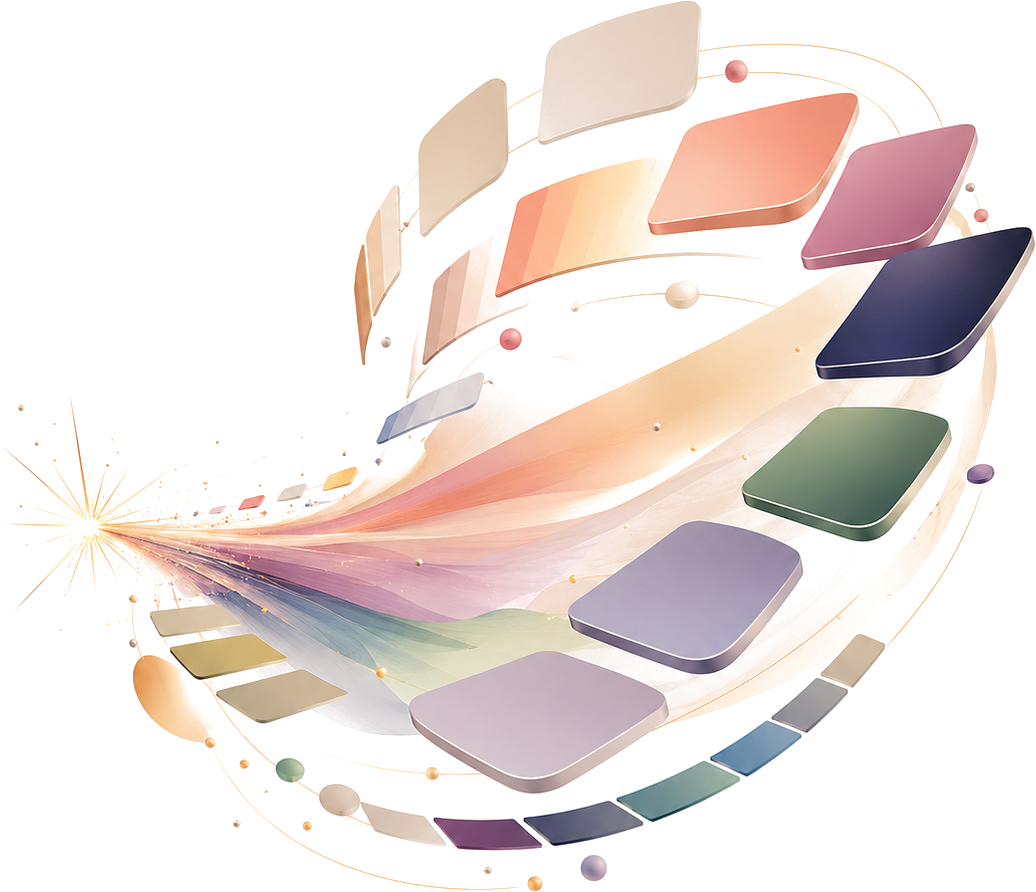
Hero illustration: AI-generated with ChatGPT from prompt 6 on this page.
The prompts, in order
Copy each one into Lovable in sequence. Prompts 1–5 build and refine the app; the image prompt runs in ChatGPT; the final prompt drops in the hero and locks the palette.
The published Moodpalette does not use an AI model. Prompt 1 below asks Lovable to wire one up, but the live tool ships a rule-based colour engine that runs entirely in your browser: no AI, no account. More in the FAQ.
-
Initial build
Scaffolds the whole landing page plus the working interactive demo.
Build a landing page for an AI tool called Moodpalette. Moodpalette takes a short description of a brand or a mood and instantly generates a matching color palette you can copy and use in your designs. Target users: designers, founders, and anyone building a brand who needs colors fast. The page should include: - A hero section with a headline, a short subheadline, and a primary call-to-action button ("Try it free") - A short "how it works" section (describe your brand → get a palette → copy the colors) - A features section with 3-4 key benefits - A simple pricing section (Free, Pro, Team) - A footer Most importantly, include a working interactive demo below the hero: a text box where a visitor types a brand or mood description (for example, "calm fintech for Gen Z"), clicks a "Generate palette" button, and gets a real color palette back: about 5 colors shown as swatches with their hex codes, where each hex can be copied with one click. The demo must actually work and call an AI model to generate the colors based on the description: not fake or placeholder colors. Keep the design modern and clean. -
Fix the palette (rules, roles, contrast)
Turns five “vibey” colours into a real role-based system with WCAG-AA contrast.
The color palette feels random: like five colors that vibe with the words but don't work as a real brand system. Regenerate the palette demo so it follows actual palette rules:
- Assign clear roles: one background, one surface, one primary brand color, one accent, one text color
- Ensure text-on-background and text-on-surface meet WCAG AA contrast (at least 4.5:1 for body text)
- Cap saturation on large surfaces; keep highly saturated colors for small accents only
- Keep the five colors harmonious (analogous or complementary), not arbitrary
Show the WCAG contrast ratio next to each text/background pairing so I can verify it.
-
Fix the typography
Replaces the default AI sans-serif with a real display + body type pairing.
The typography is the default AI look: generic sans-serif everywhere. Give the page a real type system:
- Pair a distinctive display font for headings with a clean, readable font for body (use Google Fonts)
- Set a clear type scale (don't make everything similar sizes)
- Increase heading weight contrast and tighten heading letter-spacing
- Improve line-height and max line-length on body text for readability
Keep it modern, but make it look intentional, not like a template.
-
Fix the visual hierarchy
Gives the page a clear focal point and an intentional spacing rhythm.
Everything on the page has the same visual weight, so there's no clear focal point. Fix the visual hierarchy:
- Make the hero headline and the demo the clear primary focus
- Differentiate the feature cards from the pricing cards visually (they currently look identical)
- Add an intentional spacing rhythm: group related elements, separate unrelated ones
- Make the primary CTA stand out more than secondary actions
Reference the spacing and hierarchy discipline of tools like Linear and Stripe.
-
Add one layer of real product detail
Hover/active states, copy-all, the “Copied!” state, and restrained depth.
The page works but feels flat and templated. Add one layer of real product detail:
- Add hover and active states to the swatches and buttons (a subtle lift or shadow)
- Animate the palette generating (swatches fade or slide in)
- Add option to copy full color pallete and not only color by color
- Add a clear "Copied!" confirmation state when a hex is clicked
- Add subtle depth: one considered shadow or border treatment, not drop-shadows everywhere
Keep it tasteful and restrained.
-
Generate the hero illustration
Run this in ChatGPT (or any image model) to create the hero art, not in Lovable.
Create a modern hero illustration for the landing page of "Moodpalette," an AI tool that turns a short brand or mood description into a cohesive color palette.

Concept: a clean, abstract visual of a text prompt transforming into a color palette: for example, flowing color swatches, smooth gradient ribbons, or floating rounded color chips arranged in a balanced, harmonious composition. It should feel like "describe a vibe → get colors." Convey calm, premium, design-savvy energy.

Style: minimal, contemporary, light and airy, matching a clean modern SaaS landing page with an off-white/cream aesthetic. Soft gradients, tasteful color harmony, subtle depth. Not 3D-render-heavy, not cartoonish, not stocky. Think editorial design-tool illustration.

Critical: place the illustration on a plain, solid, flat background (off-white or transparent-friendly light tone), with the main subject clearly centered and isolated, no surrounding text, no UI elements, no browser frame, no mockup, no busy scene. Keep clean empty space around the subject so the background can be easily removed or cropped into a transparent PNG.

Wide composition suitable for a hero section. High resolution.
-
Drop in the hero + lock the palette
Attach your generated image, then re-theme the whole app to its colours.
Attach your generated hero image with this prompt.Two changes. 1) Replace the hero illustration with the image I just uploaded. Place it as the main visual in the hero section, sized and positioned cleanly so it anchors the hero without crowding the headline or the demo. Keep its transparent background: do not put it on a colored card or add a shadow box around it. 2) Re-theme the entire application to match the color scheme of that illustration. Use these exact colors as the design system, applied by role, and do not invent other colors: - Background: #F2EBDD (warm cream) - Surface / cards: a slightly lighter or softer tint of the cream for separation - Primary brand color: #E89B7D (coral) - Secondary accent: #C08AA0 (dusty rose) - Text / high-contrast: #3D3A66 (deep navy) - Supporting accents: #7C9A6E (sage green) and #A89FC4 (lavender-grey), used sparingly Apply this palette consistently across hero, buttons, the demo widget, feature cards, pricing, and footer. Make sure body text on the cream background meets WCAG AA contrast (at least 4.5:1): use the deep navy for text. Keep the layout and structure exactly as they are; only change the colors and the hero image.
FAQ
What is this page?
It's the exact set of prompts I used to build the live Moodpalette palette generator in Lovable, from my YouTube tutorial: five Lovable prompts that build and progressively refine the app, plus the ChatGPT prompt for the hero illustration and a final re-theme prompt. Copy them in order.
Do I need a paid Lovable plan?
Lovable has a free tier, but a full build with this many iterations can use more than the free message allowance. Check Lovable's current pricing: you may need a paid plan to finish in one sitting.
Will I get exactly the same result?
Not pixel-for-pixel. AI builders vary between runs, so treat these as a proven starting point and direction: the structure and the decisions carry over, but expect to nudge details and re-run a step or two.
What's the ChatGPT prompt for?
The hero illustration. Generate it separately in ChatGPT (or any image model) as a transparent PNG, then attach it in the final re-theme prompt so Lovable drops it into the hero and matches the palette to it.
Does the live Moodpalette use AI?
No. The tutorial prompts ask Lovable to wire up an AI model, but the public version of Moodpalette ships a rule-based colour engine that runs entirely in your browser: no AI, no account. You can try it at mood-palette-generator.vikataylor.com.
Watch these prompts run
The tutorial these prompts come from: one prompt in Lovable, then the fixes a single prompt cannot make, a re-theme with the ChatGPT hero image, and publishing. The build in the video wires in an AI colour feature; the live Moodpalette ships a rule-based engine instead.

Plays from YouTube. Nothing is requested from YouTube until you press play. Pressing play loads Google's player from youtube-nocookie.com, or opens the video on youtube.com where the player cannot be embedded; either way Google receives your IP address and device details. How that works.
Lovable Tutorial: Build a Landing Page in One Prompt